
Retail · Consumer brand
Omnichannel retail ERP
A growing consumer brand sold on Shopify, Amazon, Noon, in store and to trade customers. We gave it one way of running orders, stock, invoicing and reporting.
Read the case studyWe set up Factorial for growing companies and connect it to the rest of your systems, so HR runs on one platform instead of spreadsheets, email and WhatsApp.

Factorial is an all-in-one HR platform used by thousands of small and mid-sized businesses. Employee records, time off, attendance, documents, expenses and payroll preparation live in one system, with a mobile app for every employee.
On its own it replaces a stack of spreadsheets. Connected to your finance, IT and communication tools, it becomes the place where people data starts, and everything else updates from it.
The parts of Factorial we set up most often. Most companies start with core HR, time and documents, then add the rest.
Time off, clock-ins from the phone, shift planning and overtime.
Recruitment, onboarding, performance reviews, goals and training.
Attendance, leave and expenses gathered and checked before payroll runs.
Contracts and letters stored, signed and tracked for expiry.
Receipts captured on the phone and approved before they reach finance.
Laptops, apps and access tracked for every employee.
Payslips, documents, requests and company news in one app for every employee.
An assistant that answers HR questions and does routine tasks with company context.
The modules available depend on your Factorial plan.
Factorial's workflows, approvals and open API let one event in HR set off the rest. These are the automations we build most often.
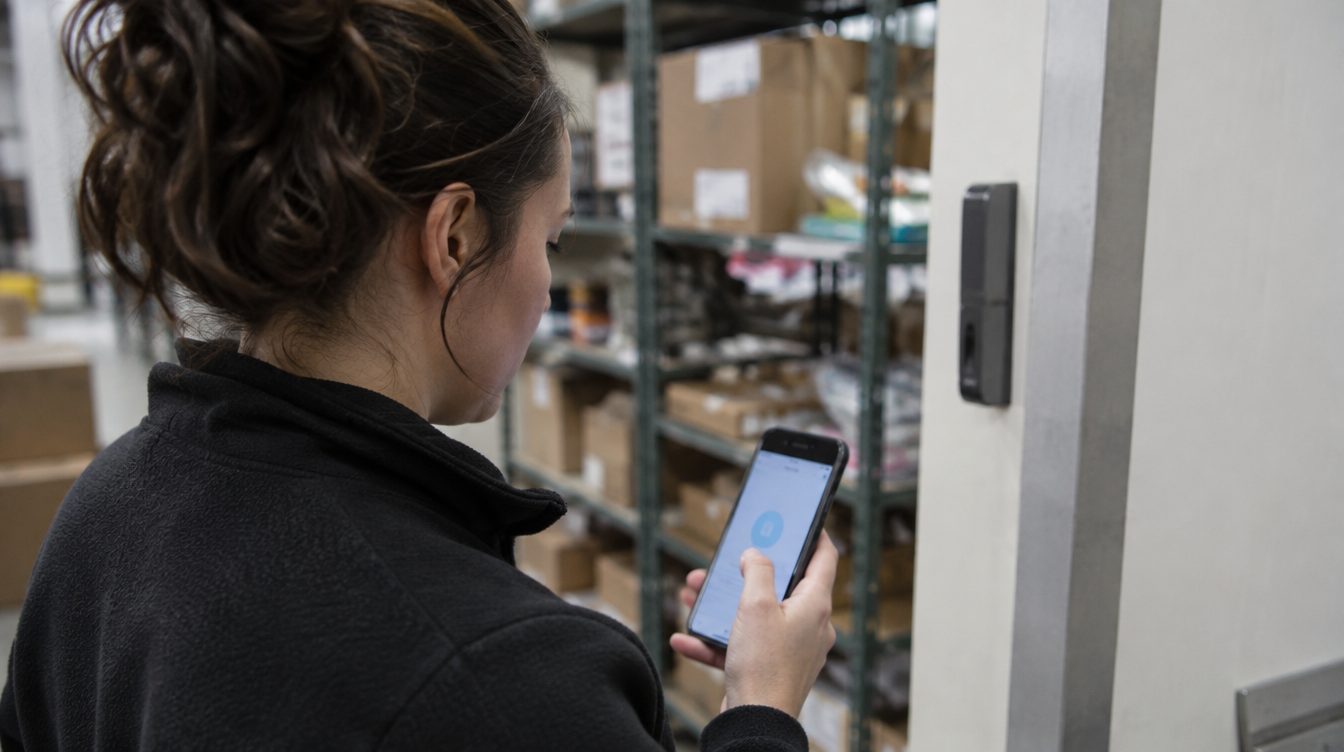
Employees clock in from their phones or a biometric device, and the data flows on to payroll, accounting and reporting without anyone retyping it.
The same way we run every project, with the middle steps shaped around Factorial.
Leave rules, approval chains, documents and where the data lives now.
HR reviewCompany structure, policies, workflows and permissions set up to match you.
Workspace configuredRecords and balances moved across, then linked to accounting, Microsoft 365 and Teams.
Data moved, systems linkedSessions for HR, managers and employees, with support until it sticks.
Team using it dailyA growing consumer brand sold on Shopify, Amazon, Noon, in store and to trade customers. We gave it one way of running orders, stock, invoicing and reporting.
Read the case studyA professional services consultancy needed a secure, structured way to create, approve and keep project documents, so every team delivered the same way.
Read the case studyA leading real estate developer needed one technology direction for the decade ahead, covering procurement, sales, project management, people and finance.
Read the case studyA leading financial services firm in the DIFC moved from manual, sample-based audit checks to automated reporting with complete coverage.
Read the case studyYes. Many teams use a fraction of what they pay for. We review your setup, switch on what is missing and connect it to your other systems.
It depends on headcount and the modules you start with. We agree a plan with dates after a short review of how HR runs today.
In most cases, yes. Factorial has an open API and ready-made integrations, and we build the connections your finance and IT teams need so employee data is entered once.

Visas, WPS, Emiratisation and onboarding on one platform, and the first modules worth switching on.
Read article →
Inbox triage, meeting pre-reads and follow-ups, day by day, plus where the boundaries should sit.
Read article →
Most companies use AI. About one in sixteen says it moves profit. Six habits separate them from the rest.
Read article →Tell us how many people you have and how HR runs today. We'll suggest where to start.